SSH Allowed Hosts
This option enables you to define which hosts are allowed to connect to the OVOC server through SSH.
| ➢ | To Configure SSH Allowed Hosts: |
| ■ | From the SSH menu, choose option 6, and then press Enter. |
Configure SSH Allowed Hosts
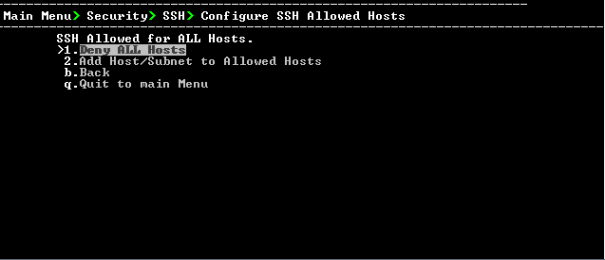
This menu includes the following options:
| ● | Allow ALL Hosts (Allow ALL Hosts). |
| ● | Deny ALL Hosts (Deny ALL Hosts). |
| ● | Add Host/Subnet to Allowed Hosts ( Add Hosts to Allowed Hosts). |
| ● | Remove Host/Subnet from Allowed Hosts (Remove Host/Subnet from Allowed Hosts). |